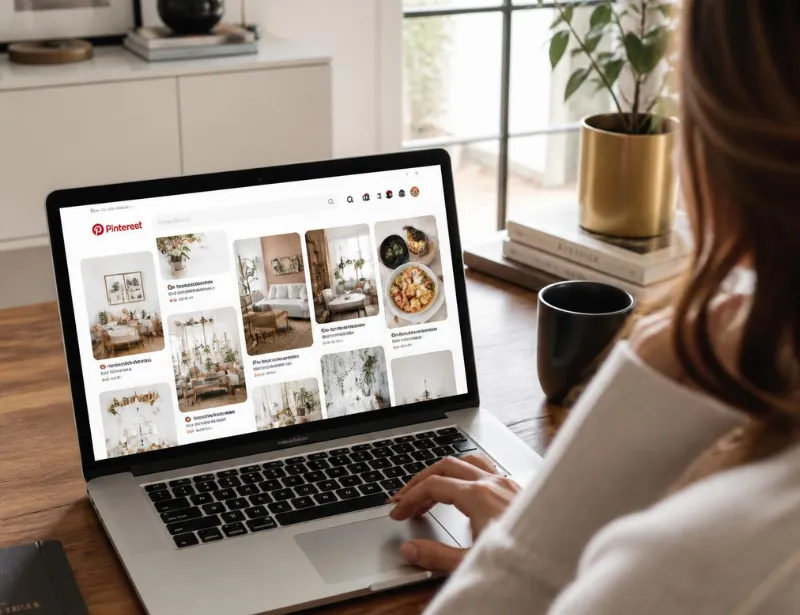
If you’ve been asking yourself what is Pinterest and why bloggers, shop owners, and marketers keep bringing it up, the short answer is this: it’s a visual search engine built around saving and organizing ideas. Pinterest reported 640 million global monthly active users in its second-quarter 2026 earnings, making it one of the largest visual platforms online. This guide breaks down what Pinterest is, how it works, and why treating it as a search engine, not a social network, changes how you should use it.
What Is Pinterest, Exactly?
Pinterest is a visual discovery platform where people search for and save ideas using images and short videos called Pins. Users organize saved Pins into collections called boards, essentially digital corkboards sorted by topic. Pinterest itself describes the platform as a place where people “search, save and shop ideas,” which is a more accurate description than calling it a typical social network.
The name blends two words: “pin,” the act of saving an image, and “interest,” the topic it relates to. Pinterest launched in 2010, founded by Ben Silbermann, Paul Sciarra, and Evan Sharp. Bill Ready has served as CEO since 2022, with Silbermann now serving as executive chairman.
People who use Pinterest are called Pinners. Every Pin links back to a website, which is what makes Pinterest valuable for creators and business owners rather than just casual browsers.
How Does Pinterest Work?
Pinterest is built around three core pieces: Pins, boards, and a personalized feed shaped by what a Pinner searches and saves.
Pins
A Pin is a single piece of content, usually an image or short video, paired with a title, description, and a link to a website. Clicking a Pin takes a Pinner to the linked page, not just a caption or comment thread. This is why Pins function more like clickable search results than typical social posts.
Boards
Boards are themed collections where Pinners organize their saved Pins. A board called “Easy Dinner Recipes” only holds Pins related to that topic, which helps Pinterest understand what the board, and the account behind it, is actually about. Businesses use boards the same way, grouping content so the platform can match it to the right audience.
The Home Feed and Search
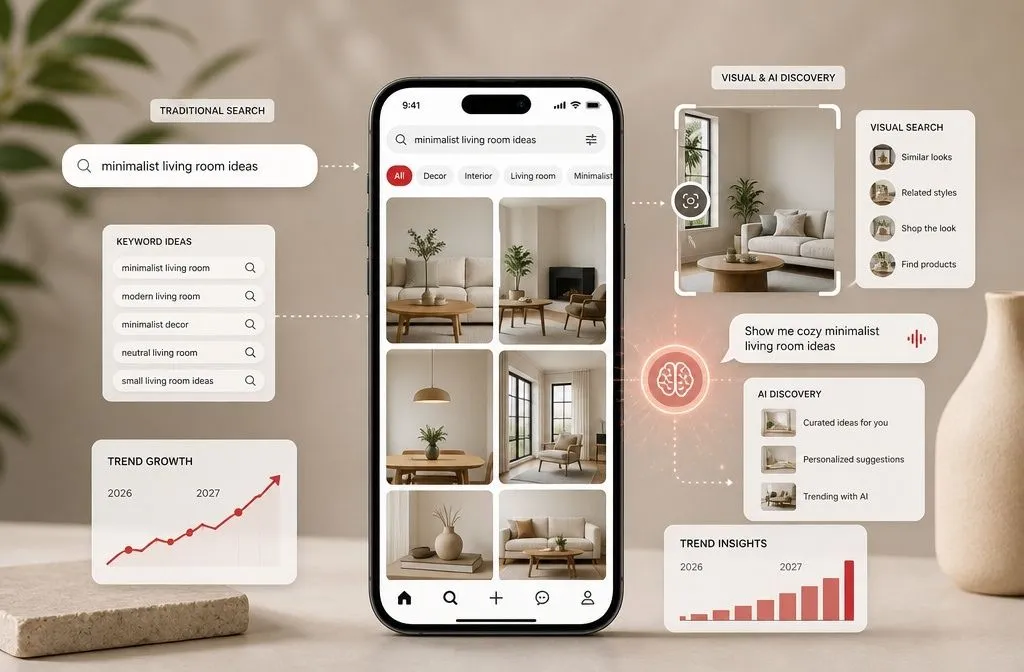
Pinterest surfaces content in two main places: the home feed and search results. The home feed runs on a recommendation system that pulls from a Pinner’s past saves, searches, and clicks. Search results work more like Google, matching keywords in Pin titles, descriptions, and linked pages to whatever someone typed into the search bar.
Who Uses Pinterest, and Why It Matters
Pinterest crossed 640 million monthly active users in Q2 2026, marking its eleventh straight quarter of double-digit user growth. That scale puts it in the same conversation as the major social platforms, even though it behaves very differently from them.
Pinterest’s audience has traditionally skewed female, though the user base keeps broadening as international growth accelerates. What matters more than demographics is intent. People open Pinterest already planning something, whether that’s a wedding, a home renovation, or a weeknight dinner. That planning mindset is exactly why bloggers, affiliate marketers, and ecommerce stores treat Pinterest as a traffic source instead of just another place to post updates.
Is Pinterest Social Media or a Search Engine?
Pinterest is technically classified as a social media company, but it behaves like a hybrid between social media and a search engine. Content isn’t chronological, and there’s no requirement to follow anyone to see relevant Pins. Instead, the platform ranks and surfaces content based on keywords and relevance, the same basic logic Google uses.
That distinction matters practically. On Instagram or Facebook, a post’s reach depends heavily on when it’s published and how many followers the account has. On Pinterest, a well-optimized Pin from a brand-new account can outrank a Pin from an account with a huge following, simply because it matches what someone searched for. It’s also why Pins keep generating clicks months or even years after they’re first published, unlike a typical social post that fades within days.
What Is Pinterest Used For?
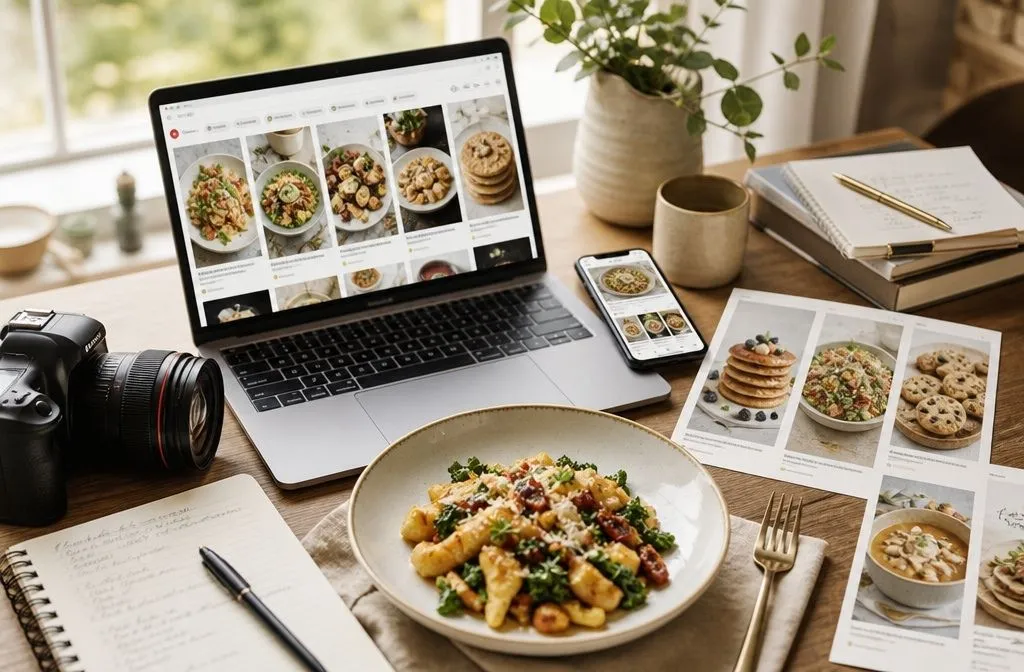
People use Pinterest to plan purchases, find visual inspiration, and save ideas they intend to act on later. Common use cases include home decor, recipes, fashion, DIY projects, travel planning, and wedding planning.
For businesses and creators, Pinterest serves a second purpose: driving traffic back to a website. A business account unlocks Pinterest Analytics, along with access to Rich Pins, a Pin format that pulls extra details, like an article title or a product price, directly from the linked page. The Pinterest app itself is available on iOS, Android, and desktop, and it supports video Pins and shoppable product Pins alongside standard image Pins.
How to Get Started on Pinterest
Getting started takes a handful of concrete steps rather than a steep learning curve.
- Create a Pinterest account and convert it to a free business account to unlock analytics.
- Claim your website so Pinterest connects your content to your profile.
- Create a small set of boards around topics your ideal audience is already searching for.
- Save, or “pin,” content with clear, keyword-rich titles and descriptions, linking each Pin back to your site.
- Check Pinterest Analytics after a few weeks to see what’s actually earning clicks, then create more of that.
Each of these steps has its own learning curve, especially account setup and keyword research, which is why we cover them in more depth in separate guides on this site. If you’d rather have your Pinterest account built and managed by someone who does this daily, that’s exactly what our Pinterest management services are for.