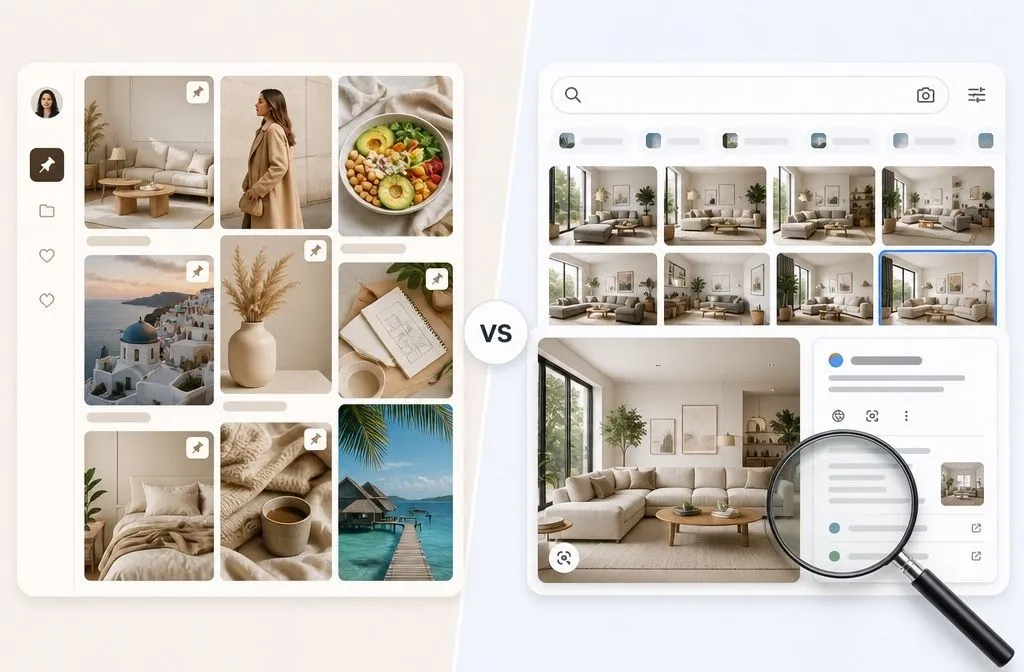
Pinterest vs Google Images is really a question about what happens after you find the picture. One platform is built to help you collect an idea and develop it over weeks. The other is built to help you identify an image and trace it back to where it came from. Choosing wrong costs you an afternoon of scrolling and a folder of screenshots you cannot use.
Both are visual search tools; however, They are not built for the same job, and the gap between them has widened since AI features in both platforms were introduced.
The short answer
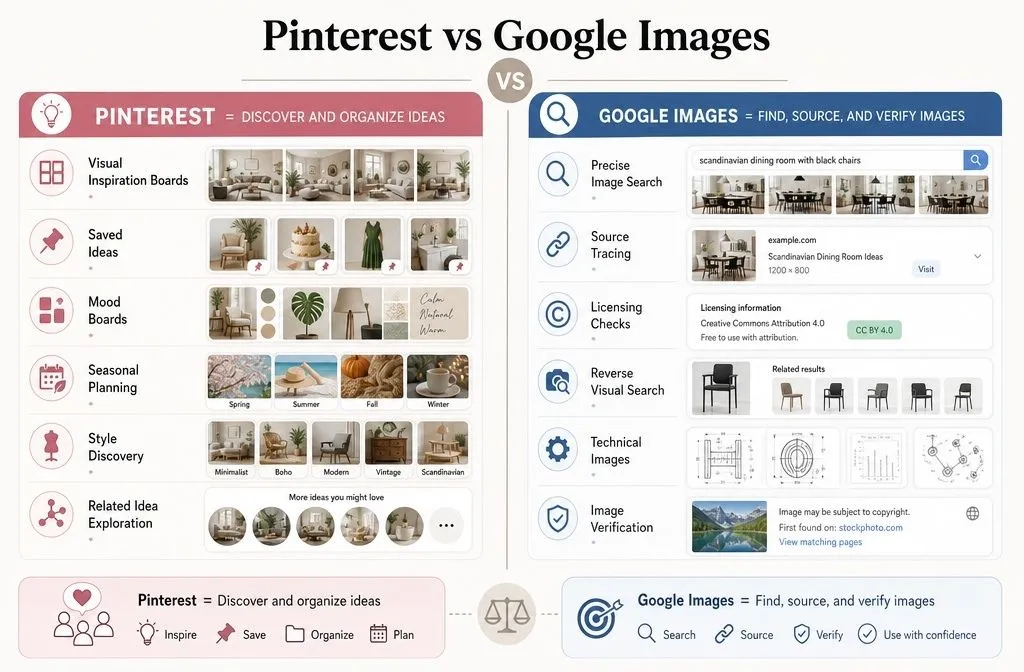
| If you want to… | Use |
| Browse a look, a style, or a vibe for your bedroom | |
| Save and organize ideas for a project | |
| Plan something seasonal months ahead like Christmas or Valentine’s. | |
| Find where an image came from | Google Images |
| Check whether you are allowed to use an image | Google Images |
| Find a specific, exact, or technical image | Google Images |
| Check if an image is real or AI-generated | Google Images, with limits |
Most people need both. The order matters more than the choice, which I will get to at the end.
What Google Images is now
Google Images was never a place to store anything. You search, you look, you leave. Filters let you narrow by size, colour, image type, and upload date, which makes it excellent for a specific hunt: a diagram, a product shot at a usable resolution, a photo of an actual building rather than a rendering of one.
The old reverse image search has been folded into Google Lens, which now handles the “what is this thing” side of the job. Google reported Lens being used for nearly 20 billion visual searches every month, and in a March 2026 press briefing a Google advertising executive put the figure above 25 billion, with roughly a fifth carrying commercial intent. Point your camera at a chair, and Lens tries to tell you what it is and where to buy it.
Two features make Google Images genuinely better than Pinterest for anything you intend to publish. The first is the Usage Rights filter, which narrows results to Creative Commons licences or to commercial and other licences. Images carrying the right metadata also show a “Licensable” badge that links back to the supplier’s licensing information. The second is About this image, which shows when Google first indexed a picture and where else it has appeared online.
What Pinterest is now
Pinterest is a search engine that happens to look like a bulletin board. The platform reported 631 million monthly active users in Q1 2026, more than 80 billion monthly searches with roughly half of them commercial, and over 72% of impressions occurring across search surfaces. Nobody is browsing a feed by accident at that scale. People are looking for something.
The difference is structural. Every image on Pinterest sits inside somebody’s collection, saved under a theme by a human being who thought those things belonged together. When you open a pin, Pinterest shows you related pins from the same taste cluster. You get a curated adjacency that Google Images cannot produce, because Google is matching your text query against captions, filenames, and page context rather than against anyone’s intent to collect.
Pinterest also lets you keep what you find. You save a pin to a board, come back later, and the idea is still sitting there with its source link attached. Understanding how Pinterest actually works as a save-first platform explains most of its advantages over Google Images.
Where Pinterest wins
When you cannot name what you want. Searching “cottagecore kitchen” on Google Images returns pictures. Searching it on Pinterest returns pictures plus twenty related searches that sharpen the idea: colour palettes, cabinet styles, adjacent aesthetics you had not considered. Vague queries get better on Pinterest and stay vague on Google.
When the project takes weeks. Weddings, renovations, wardrobe overhauls, business branding. You are not deciding today. Boards hold the thread across months, and boards that stay useful are ones you can actually revisit and edit.
When you are planning ahead. Pinterest searches run seasonally well before the season does. People search Christmas décor in September and summer outfits in March. Google Trends reflects what people are dealing with now. Pinterest Trends reflects what they are preparing for.
When you want to see many options fast. A grid of forty thumbnails scanned in ten seconds beats reading ten blue links. For anything aesthetic, that speed matters more than result precision.
Where Google Images wins
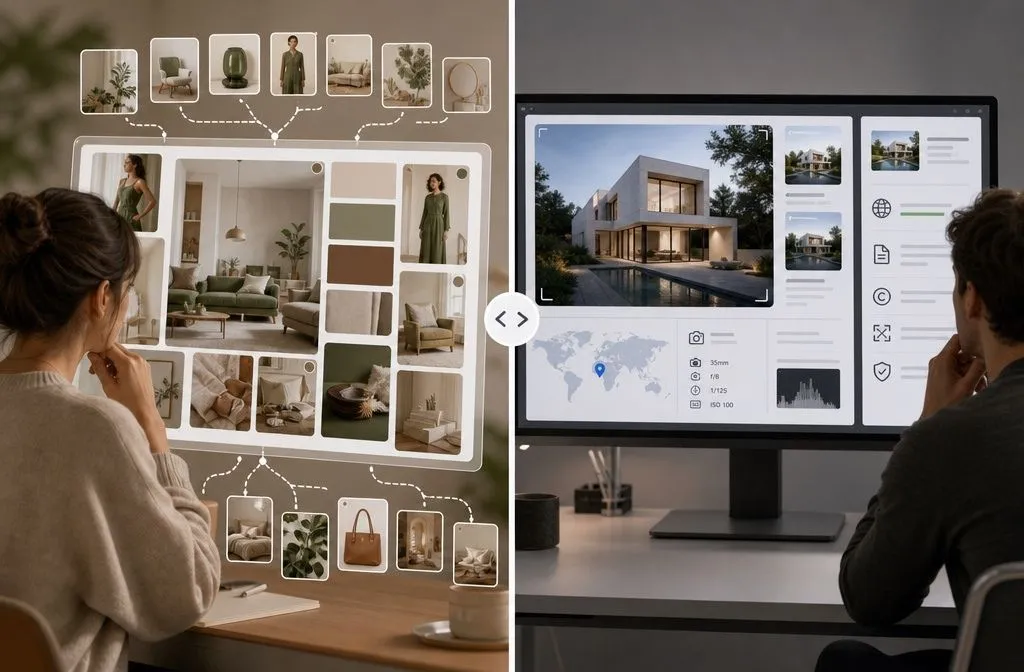
Sourcing and verification. If you need to know who made an image, when it first appeared, or whether the “before and after” photo was lifted from someone else’s 2019 blog post, Google Images has the tools and Pinterest does not. Pins are copies of copies. The original context is frequently gone.
Licensing. Pinterest gives you no reliable way to know whether you can legally use an image. Google’s usage rights filter at least narrows the field to images with licensing information attached. For a client deck, a product listing, or anything commercial, start here.
Precision. Technical drawings, medical illustrations, specific product model shots, historical photographs, screenshots of software interfaces. Anything where you need the correct image rather than a similar one.
Dead ends. Pins can link back to a source, but plenty link to expired domains, spam pages, or nowhere at all. A Google Images result nearly always has a live page behind it, because that page is what Google indexed in the first place.
The AI problem hits both, differently
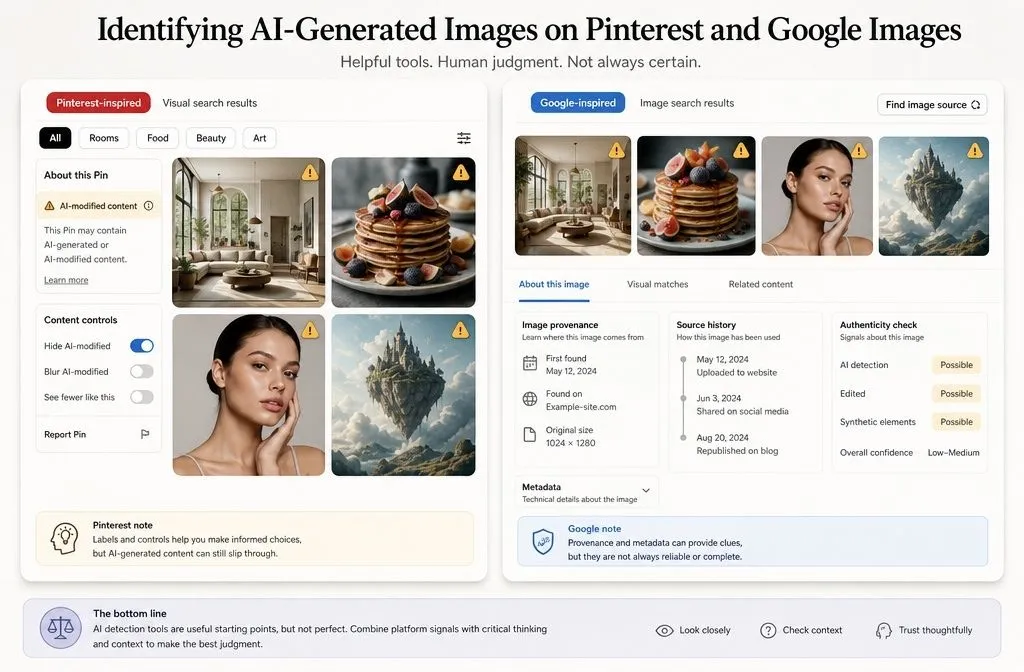
Generative AI has flooded both platforms with images of things that do not exist. Recipes that were never cooked. Rooms that were never built. Nail designs no technician can actually produce.
Pinterest responded first. In April 2025, it rolled out “AI modified” labels globally on image pins, using image metadata plus its own classifiers to detect generated content, along with a “see fewer” control in the three-dot menu for categories prone to AI, starting with beauty and art. Useful, but imperfect. Real photos have been flagged by mistake, and the label only appears in close-up view.
Google’s approach runs through provenance data. If an image carries C2PA metadata, the About this image panel in Google Images, Lens, and Circle to Search can show whether it was created or edited with AI tools. The catch is adoption: the standard is not universal across AI generators, and metadata can be stripped from a file entirely. Absence of a label proves nothing on either platform.
Practical rule for both: if the image looks impossibly clean, check the source before you commit to it. On Pinterest that means clicking through. On Google Images it means opening About this image.
Use them in sequence, not in competition
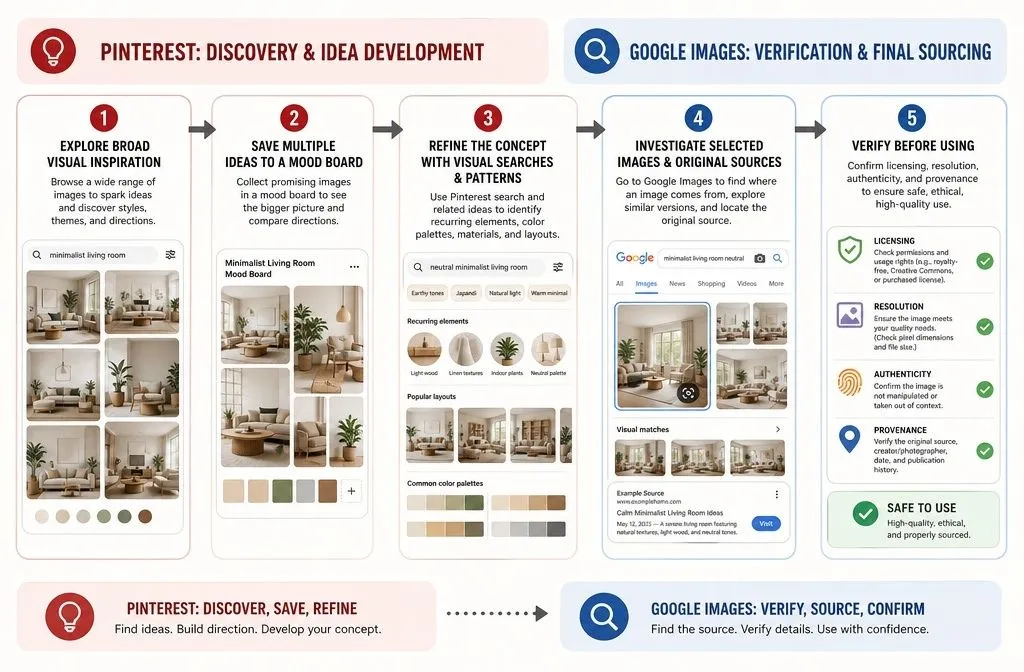
This workflow might save you time when you need them both.
Use Google Images for anything you will publish. Licensing, resolution, and provenance all live on the Google side. Never pull a final asset off Pinterest.
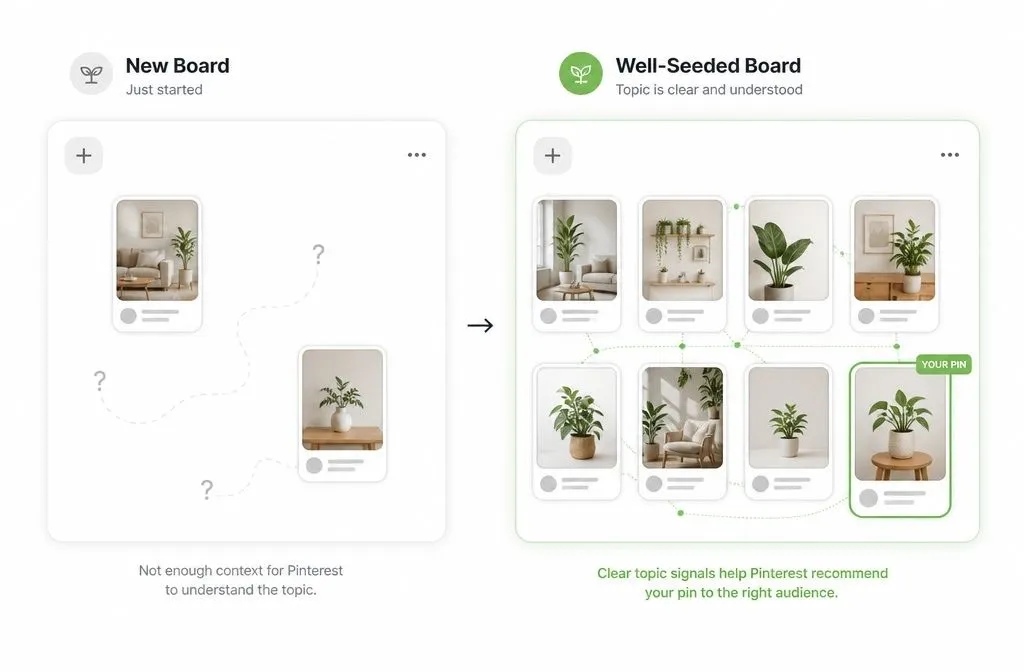
Start on Pinterest to define the idea. Search broadly, save fifteen to thirty pins to a single board, then look at what you collected. The pattern that emerges is your brief, and it is usually not the one you started with.
Narrow with Pinterest’s related searches. The suggestions under the search bar are real queries other people used. They give you the vocabulary you were missing.
Move to Google Images to verify. Take the three or four pins that you like and check them. Does the source page exist? Is the “$40 DIY” actually $40? Is the room real?
Roughly speaking, Pinterest answers what I want, and Google Images answers whether it’s real and whether I can use it.
If you publish content, the comparison changes
For anyone creating rather than browsing, the two platforms reward opposite behaviour. Google rewards one strong page that earns authority over time. Pinterest rewards many fresh images pointing to that page, because a new image is a new chance at distribution even when the destination URL has not changed. Same article, different mechanics, and it is worth understanding the SEO differences between the two before splitting your effort.
That is also why Pinterest still sends meaningful traffic to sites that have given up on ranking in Google. Visual queries that Google answers with a grid of thumbnails, Pinterest answers with a click. If you’d prefer to have that traffic set up properly rather than experiment for six months, that is the work I do.