A fresh pin is any image or video Pinterest hasn’t seen before. That’s the whole definition. The first time a specific image hits the platform, it’s fresh. Every time after that, it’s not.
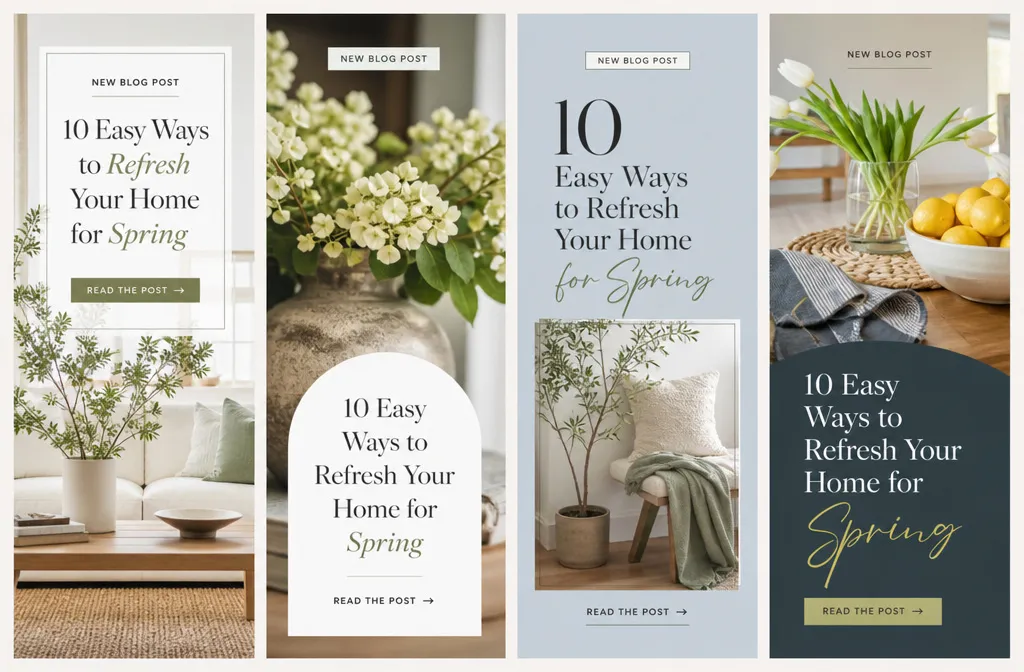
Here’s what trips people up. Fresh doesn’t mean fresh content on your blog. You can create ten different pins for one old blog post, and each of those ten images is a fresh pin the moment it’s saved to Pinterest for the first time. The URL can be five years old. The image is what has to be new.
Pinterest started pushing this hard around 2020 and never let up. The platform wants original material its users haven’t scrolled past a hundred times already. So it rewards accounts that keep bringing new pin images to the feed and quietly buries the ones recycling the same graphics.
What Counts as a Fresh Pin
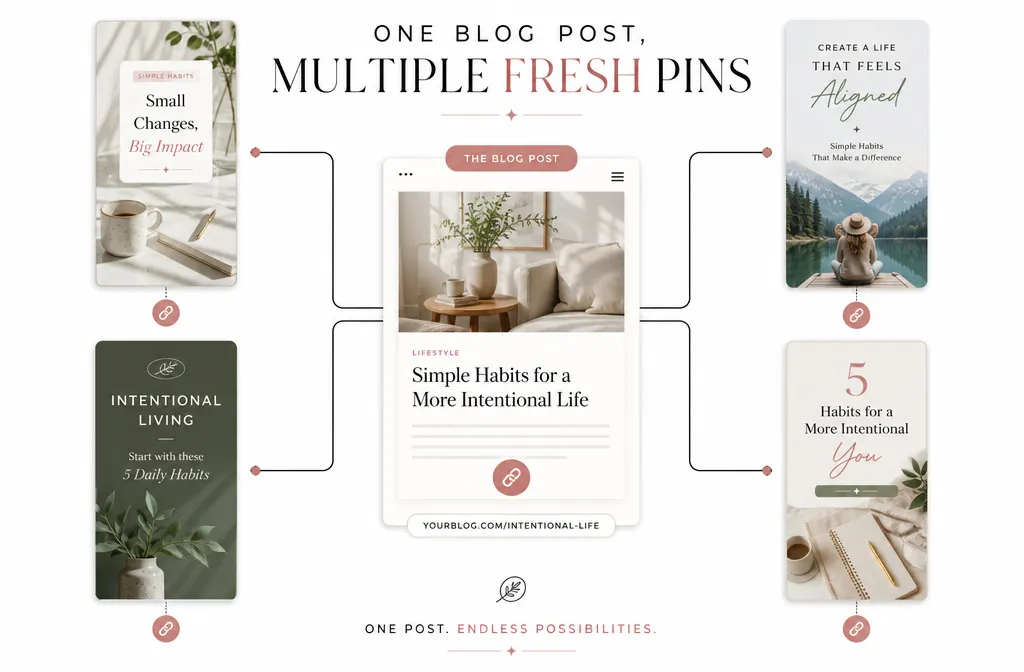
A pin is fresh when the image or video itself is new to Pinterest. A brand-new graphic pointing to a brand-new URL is the freshest kind. But a brand-new graphic pointing to an old URL still counts, and that’s where most of your opportunity lives.
Think about a single recipe post. You can make one pin showing a slice on a plate, another showing the full cake, and a third showing three quick steps stacked vertically: three images, one link, three fresh pins.
That’s the mechanism behind content clusters and repurposing. One post can feed weeks of pinning if you keep designing genuinely different images for it.
What Does Not Count as Fresh Pin
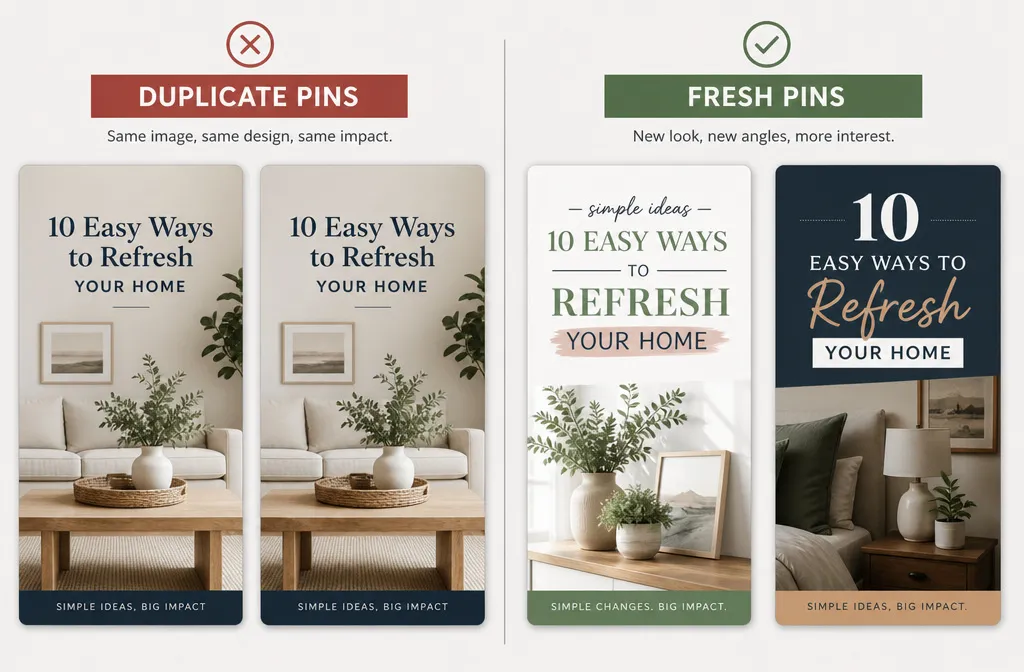
Changing the title, description, or alt text on a pin does not make it fresh. I see this claim repeated in guide after guide and it’s wrong. Pinterest identifies a pin by its image and URL combination, not its caption. Swap the words, keep the picture, and you’ve made a duplicate with a new label.
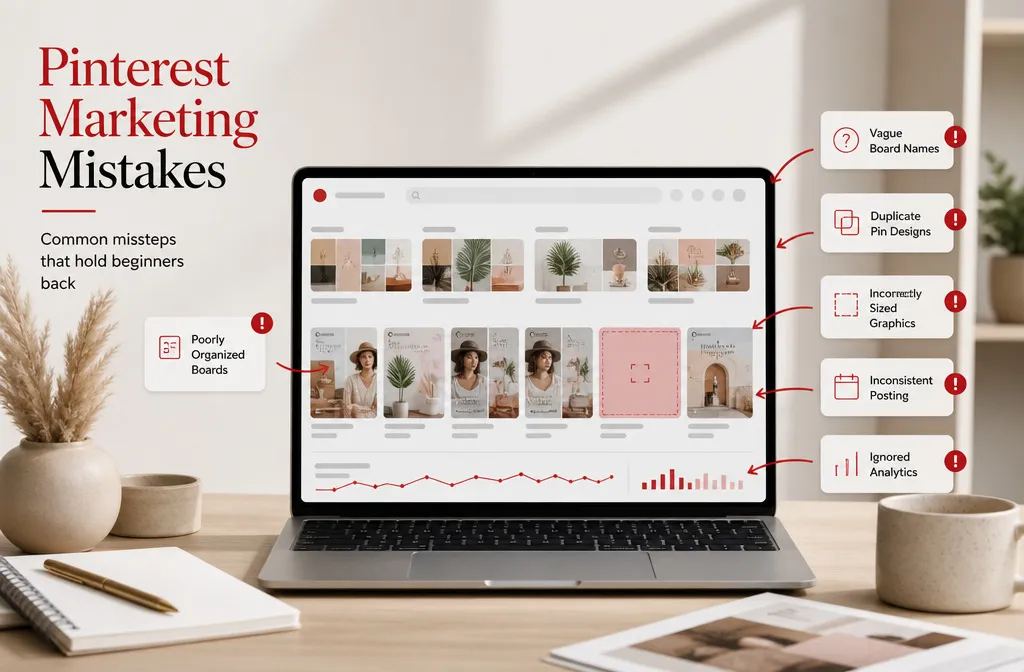
A duplicate pin is the exact opposite of a fresh one. Same image, same URL, already seen. Pinterest treats repetitive saves of identical pins as low-value, sometimes as spammy behavior, and it can drag your whole account’s distribution down.
So what about tiny tweaks? Nudging one text box two pixels left or switching a font won’t fool anything. The differences have to be real: different photo, different layout, different angle, different hook. If your avatar would instantly recognize it as the same pin with a paint job, so will Pinterest.
Why Fresh Pins Important for Your Traffic
Pin freshness is a genuine ranking signal, not folklore. Original images are one of the things Pinterest prioritizes when deciding what to distribute, alongside saves, keyword relevance, and how well your pin matches a user’s interests. New pins get tested in the feed. Stale reposts get shown less and less.
There’s a compounding effect worth understanding. When a topic starts gaining traction on your account, fresh pins you publish on that same theme get an early distribution boost because Pinterest already trusts that lane. Freshness feeds momentum, and momentum feeds traffic.
If your monthly views have been sliding, stale pin designs are one of the first things to check. An account running the same three templates for a year tends to plateau. I go deeper on that in Pin Freshness: Why New Pins Outperform Reposted Ones.
How Many Fresh Pins Should You Post?
Not 50. That number floated around for years and it’s outdated advice that reads as risky behavior now. A sustainable range is a handful of fresh pins per day, roughly 2 to 5 depending on how much content you have to work with. Some data-backed guidance lands even lower, in the 15-to-25 range at the very top end for active accounts.
More isn’t better here. Quality beats volume every time, because a sloppy pin that nobody saves teaches Pinterest your content isn’t worth distributing. A few strong fresh pins outperform a flood of rushed ones.
Consistency is the real lever. One or two genuinely fresh, well-designed pins a day, every day, will beat a burst of twenty followed by a week of silence.
How to Create Fresh Pins Without Starting From Scratch
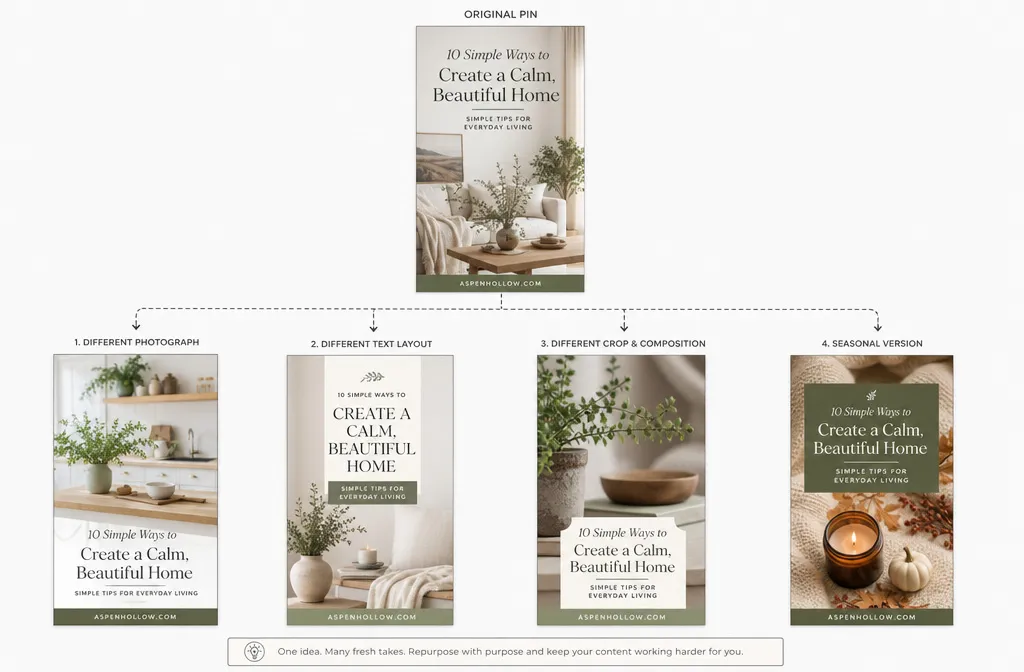
You don’t need a blank canvas every time. Take an existing design and change it in ways that matter: a different photo, a new text-overlay layout, a different color scheme, a fresh crop of the same product. Each real variation is a new fresh pin.
Seasonal versions are the easy win. That chocolate cake post can get a Valentine’s pin with hearts, a fall pin with warm tones, a birthday pin with candles. Same recipe, same URL, three fresh pins spread across the year. When you update an old post, make a new pin to mark the occasion.
Once you’re comfortable spinning variations, the natural next step is doing it at scale from a single article. That’s the whole play in Repurposing One Blog Post Into 10 Pinterest Pins.